Cross-breeding
Issues of health (in general or specific diseases), temperament or working traits have prompted breed and national clubs to consider cross-breeding to improve the overall health and well-being of specific breeds. This approach is not without controversy and has met with opposition by some. Even proponents of the approach accept that it is a complex and challenging undertaken and not without risk. In this section we will highlight several areas, including: 1. Cross-breeding for health: kennel club and registry body approaches, and 2. Cross bred dogs: benefits, risks and controversies
8 articles in this category
-
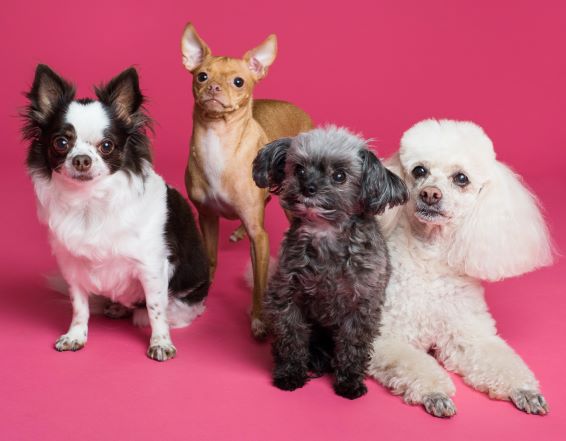 What is a Crossbreed? Crossbreeding is the general practice of mating two dogs of different varieties or breeds. What are some examples of cross-breeding? Breeding two different breeds, who may or may not have origins in common but are distinct breeds. E.g. Irish Setter and Irish Red and White Setter, or Labrador retriever and Standard poodle What is an Outcross? Outcrossing, sometimes called out-breeding is the practice of crossing between different dogs of the sa
 -
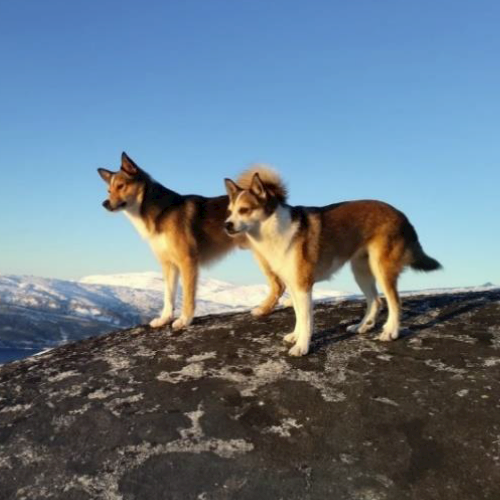 Attention is called to the "commitment among the scientists and at the Nordic kennel clubs when it comes to using the full range of breeding tools to counteract narrowing gene pools and impaired health in vulnerable breeds" -- "Progressive breeding programs where crossbreeding is included". Cynological organizations, Kennel, and Breed Club rules and regulations as well as breeder attitudes and mindsets focused on achievement in the conformation rings pose significant challenges to sustaini
 -
 The Norwegian Lundehund is a Norwegian native breed with a number of distinctive characteristics. Examples of distinctive traits are six toes on both front- and back legs, as well as unusual flexibility that allows the dogs to climb in harsh terrains. Originally, these dogs were used to hunt puffins, and The Norwegian Lundehund is the only breed known to retrieve live birds. The birds were harvested for their meat and down. Puffin hunting dates back 400 years and was important along the coast of
 -
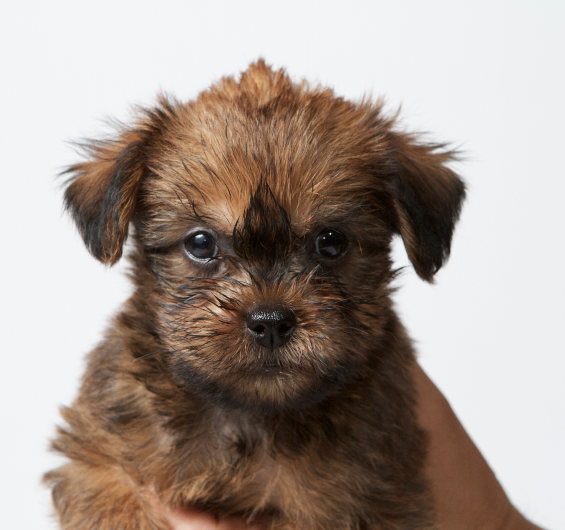 For a brief overview and introduction to Graussies see... Researchers from the University of Surrey have continued their investigations into Chiari-like malformation, a disease in toy dogs. http://www.surrey.ac.uk/mediacentre/press/2016/scientists-cross-breed-improve-head-shape-toy-dogs-predisposed-painful Dated link from 2016: See Internet archives: https://web.archive.org/web/20160425040701/http://www.surrey.ac.uk/mediacentre/press/2016/scientists-cross-breed-improve-head-shap
 -
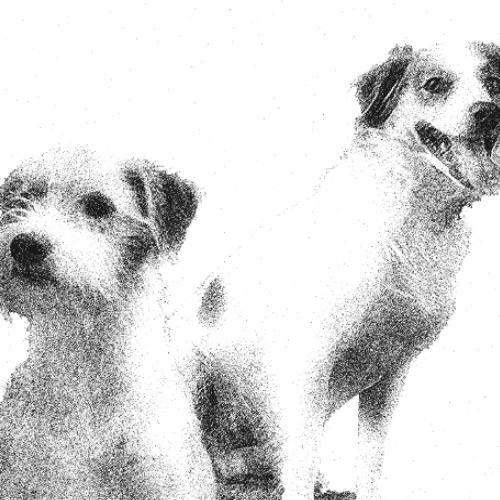 Finnish Kennel Club Kromfohrlander Crossbreeding - to F1 - plus extras
 -
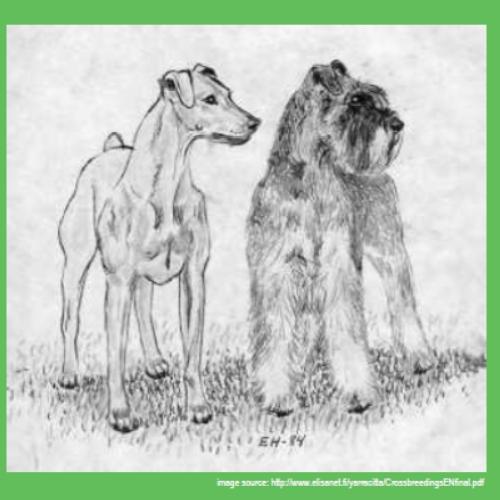 Overview of the German Pinscher X Schnauzer Crossbreeding This document is a compilation of information gathered from the Finnish KC's database (KoiraNet-jalostustietojärjestelmä) and other documentation and reports on the German Pinscher breed and the crossbreeding project. A great deal of time and effort have gone into the crossbreeding project which is now nearly 20 years in the making. It is hoped the information in this overview document will provide a sense of what a crossbreed
 -
 Breeding for health in non pedigree dogs (archived) breeding_for_health_in_non_pedigree_dogs.pdf (Internal) Outcrossing Programmes What is an outcrossing programme? An outcrossing programme aims to improve the genetic health and increase genetic diversity of a breed ( Breed A ) by introducing a new line or crossing it with another breed ( Breed B ) in a controlled and monitored manner. Once the health of the Breed A has been restored, it can then be bred back to purebre
 -
 2022... Updated: 2019-valid from 1.1.2020 V. Instructions for implementing and monitoring crosses between breeds Approved by the Finnish Kennel Club’s Board on 22.11.2013. Valid from 1.1.2014. Updates: Board 22.11.2019, valid from 1.1.2020 https://www.kennelliitto.fi/lomakkeet/instructions-implementing-and-monitoring-crosses-between-breeds Internal: Instructions for implementing crossbreeding fkc 2019-20 v.pdf Chair of the Finnish Kennel Club’s Scientific Commi